
COROS PACE 4 review: the ultralight AMOLED running watch I keep reaching for
If you want a dedicated running watch that feels featherweight, looks sharp, and doesn’t need constant charging, this one makes a lot of sense.

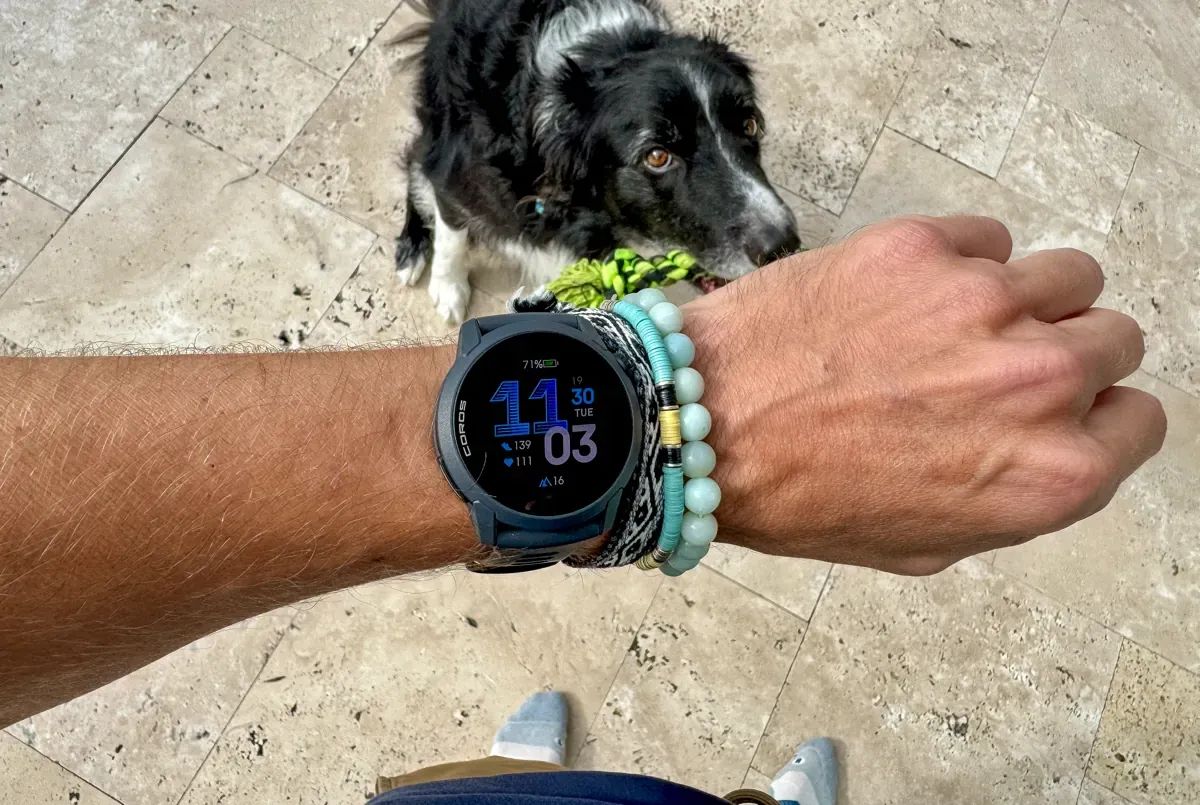
I’ve worn plenty of running watches that promise everything, then make you pick your compromise. For instance, ones that have great features but an overly chunky case, or a gorgeous screen but mediocre battery life.
The thought running through my head when I first started testing the COROS PACE 4 was "can an ultralight, small AMOLED watch keep training tools serious without the usual trade-offs?".
After a few month of daily runs (mostly road with this watch), a few trail outings, intervals, and recovery days, it’s become the watch I grab most often when I don’t need full-on navigation.
It disappears on my wrist, the screen is a joy to glance at, and the features COROS prioritised here line up really well with consistent training.
👋
If you purchase gear through links in this review, I may earn a small affiliate commission. If you enjoyed this review, become a member of my site, (it's free!). -Alastair ✌🏼
Key specs (the bits that actually matter day to day)
- Price: $249 at coros.com
- Weight: 40g (silicone) / 32g (nylon)
- Size: 43.4 × 43.4 × 11.8mm
- Display: 1.2" AMOLED touchscreen, 390 × 390
- Battery: up to 41 hours GPS (High), up to 19 days as a daily watch
- GPS: All-satellite + Dual-Frequency (mode dependent)
- Sensors: redesigned optical HR, barometric altimeter, compass, SpO₂, thermometer
- Training features: Effort Pace, EvoLab, race predictor, plans
- Voice tools: mic for voice pins/notes
- Music: controls + offline MP3 playback
- Water resistance: 5 ATM
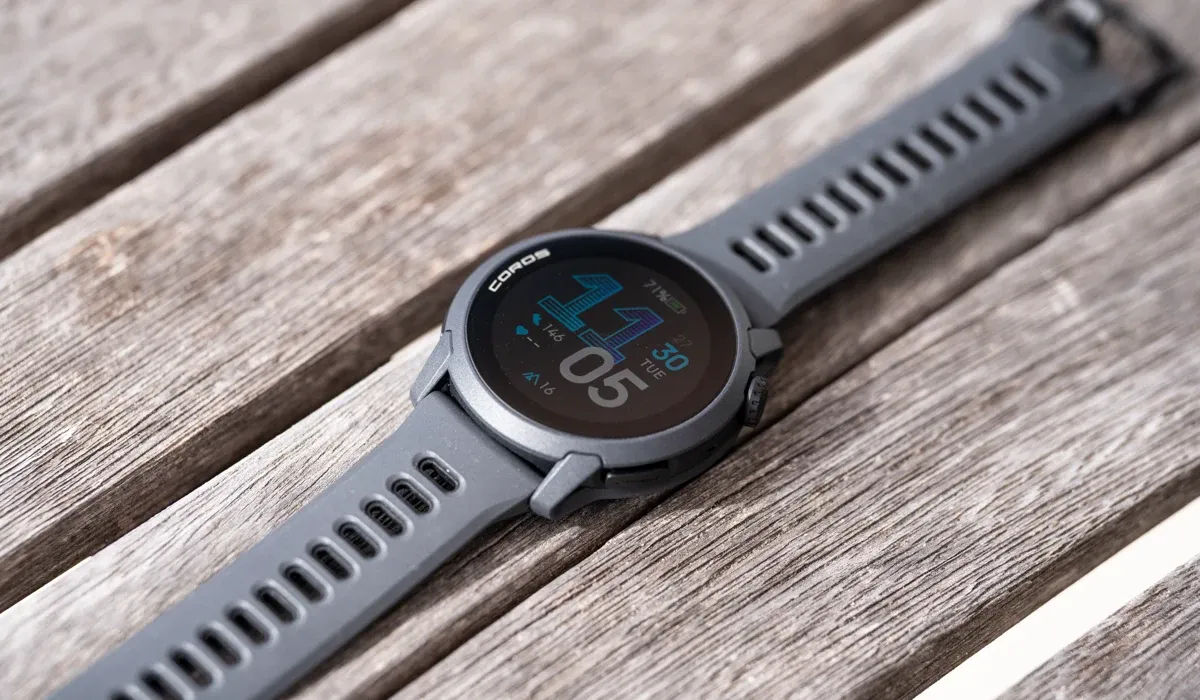
The headline from these specs is that it has a modern screen, very low weight, and enough battery for serious training blocks.
Setup: what I changed straight away
The PACE 4 works great right out of the box, but these tweaks make it feel more “set and forget”.
1) Display: gesture first, always-on off
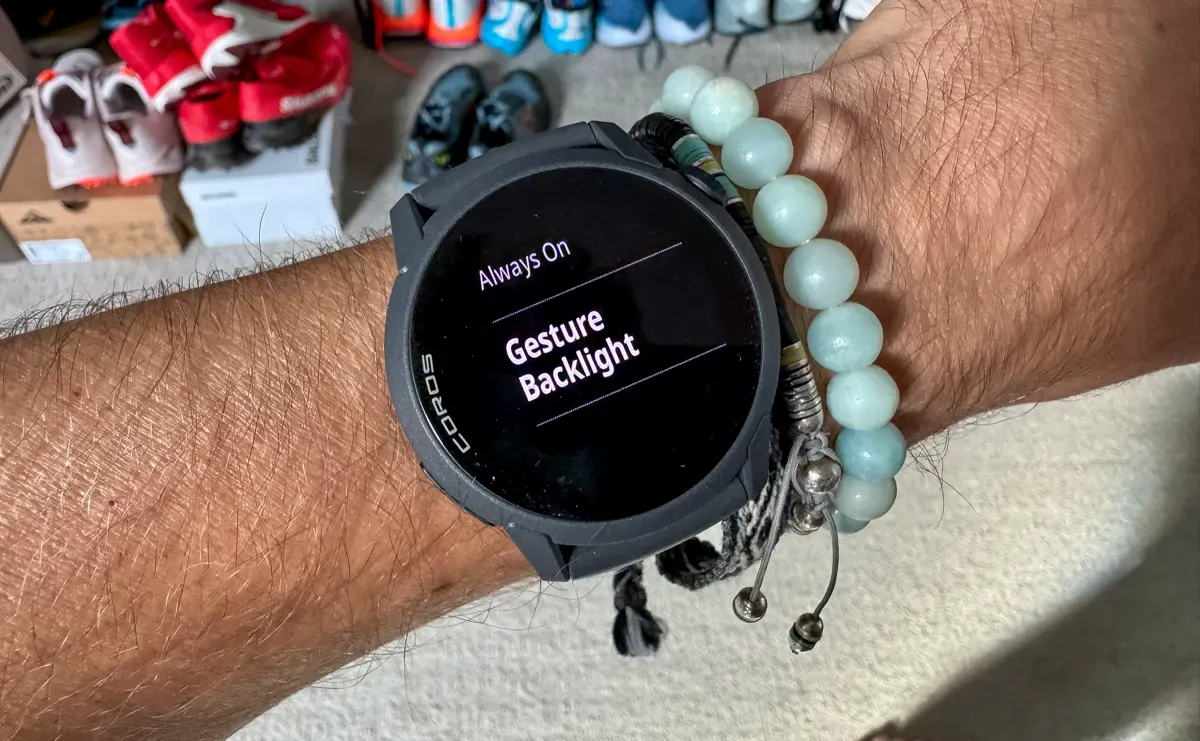
AMOLED is the one thing that can quietly drain battery if you let it.
- Turn Gesture Backlight ON
- Turn Always On OFF
- Keep brightness mode on Standard (then let auto brightness do its thing)
That combo keeps it quick to read without torching the battery.
2) Satellite mode: pick the right tool for the job
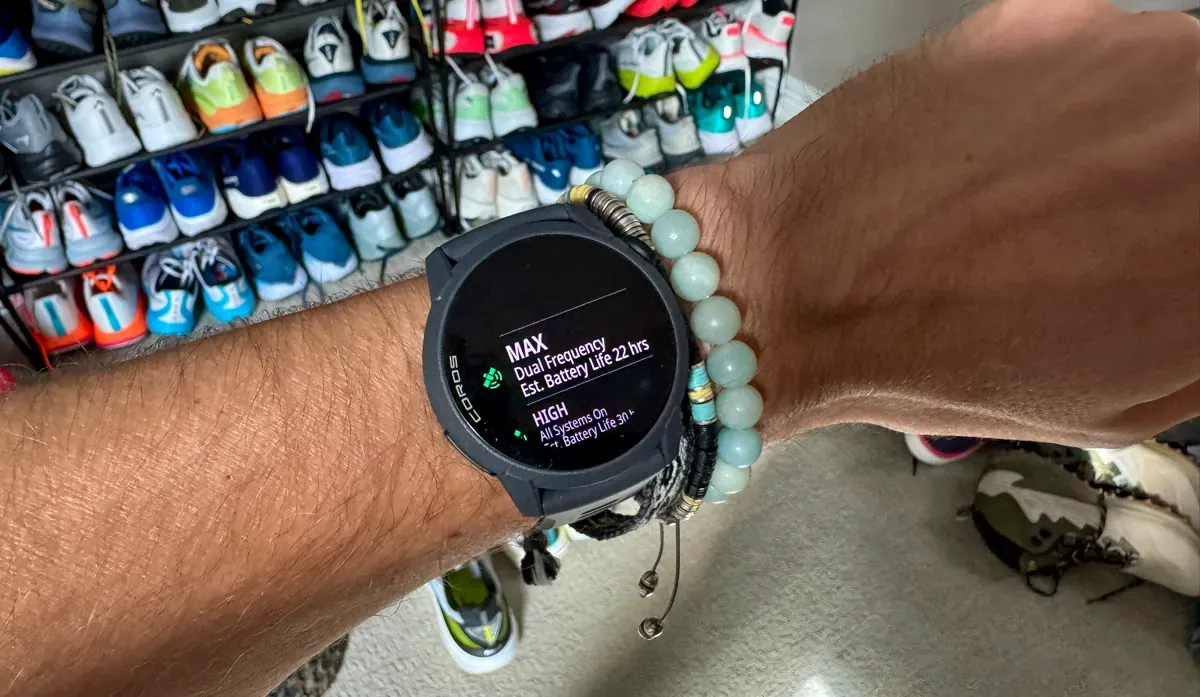
This is the big one.
- High (All Systems): what you can use during long runs/races (great accuracy, better battery)
- Max (Dual Frequency): when you’re in tough GPS conditions and want the cleanest track. I tend to stick with this one for the best data.
If you’re doing long runs, long workouts, or just want max battery confidence, High is the sensible default.
50K Training Plan + ULTRA RACE GUIDE
In this guide, I’m sharing ALL my 50K Ultra Marathon training plans, tips, and racing secrets.
 Alastair Dixon
3) Calibrate altimeter before hilly runs (if you care about accurate elevation in training)
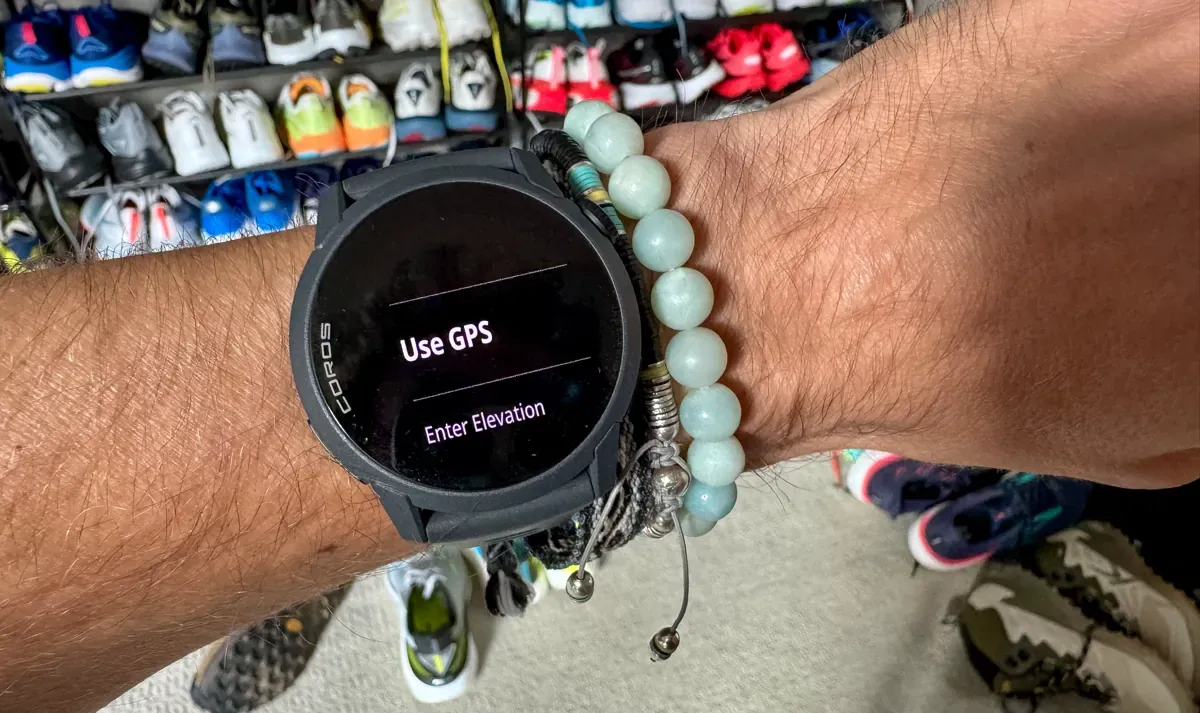
If you like your elevation numbers to be trustworthy, do a quick calibration before a hilly day. It’s a small habit, but it can help.
- On the watch: From the main watch face, go to System > Sensors > Calibration > Elevation.
- Select Use GPS (stand in an open field for best results) or Enter Elevation (manually input a known value).
- Follow on-screen prompts to complete.
Do this pre-hilly or trail runs; the watch auto-calibrates during outdoor activities, but manual is always going to be better from the get go.
4) Daily HR sampling: don’t waste battery on “constant”
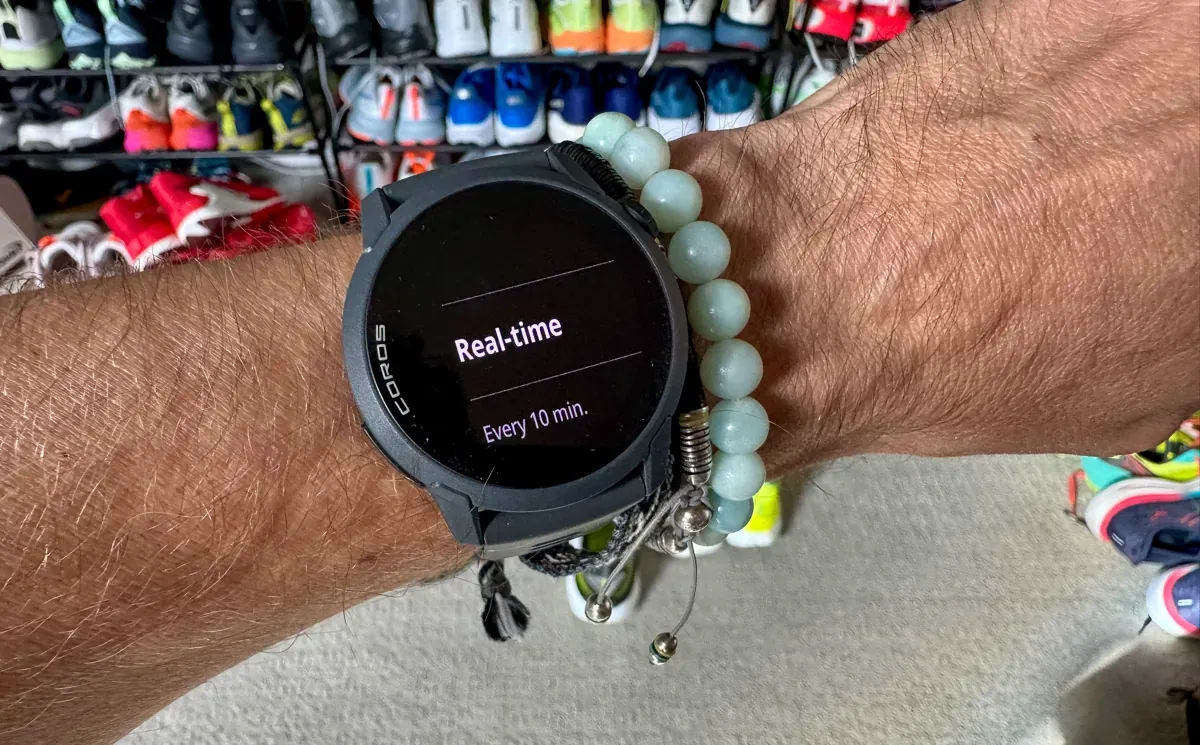
The redesigned sensor improves HR accuracy but there are tweaks you can make to increase battery life if you're not interested in that realtime data throughout the day.
- For most accurate daily trends: On the watch > System > Sensors > Optical HR > Daily HR > Set to Real-time (for trends without heavy drain; you can set this to every 10 minutes, extending the battery life dramatically).
- For activities/cold weather (where optical can lag if you don’t secure your watch tight enough): You can pair a COROS HR monitor (review here) via System > Accessories > Search and add Bluetooth device (overrides wrist sensor during activities for precise data).
Ensure a solid heart icon appears before starting activities.
How it performs in real training
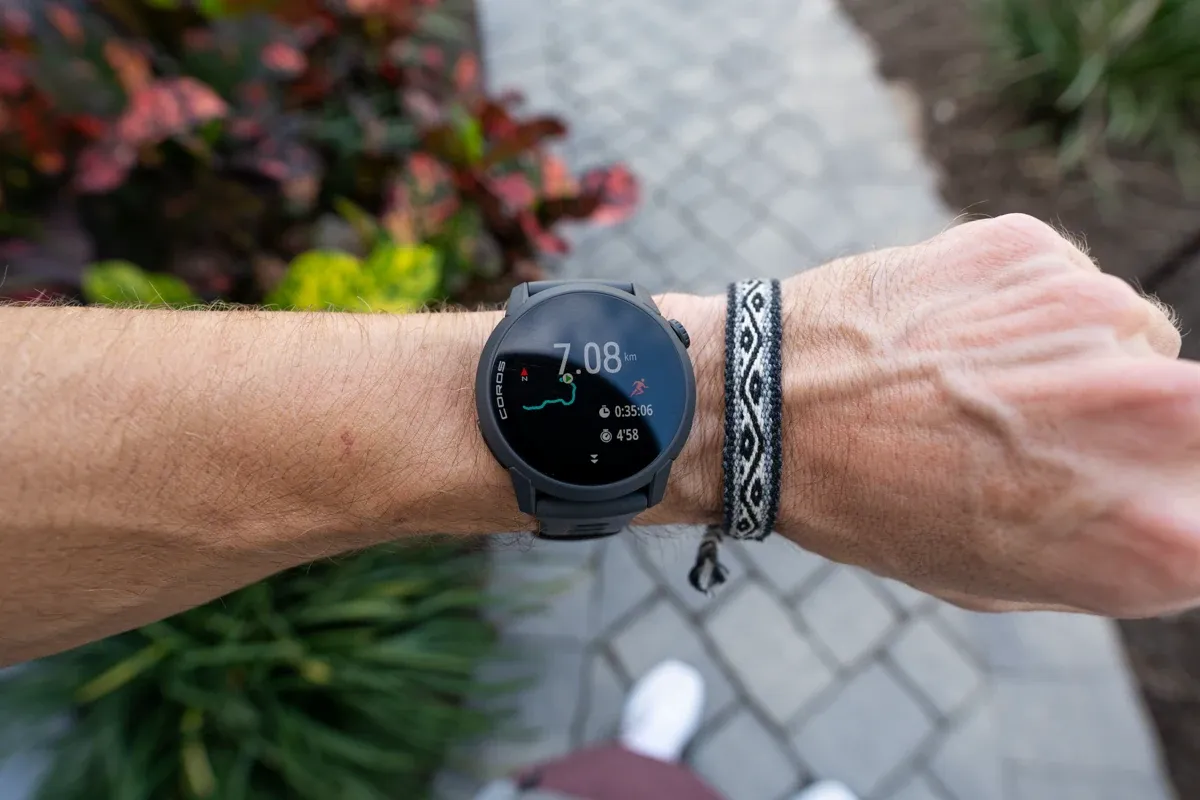
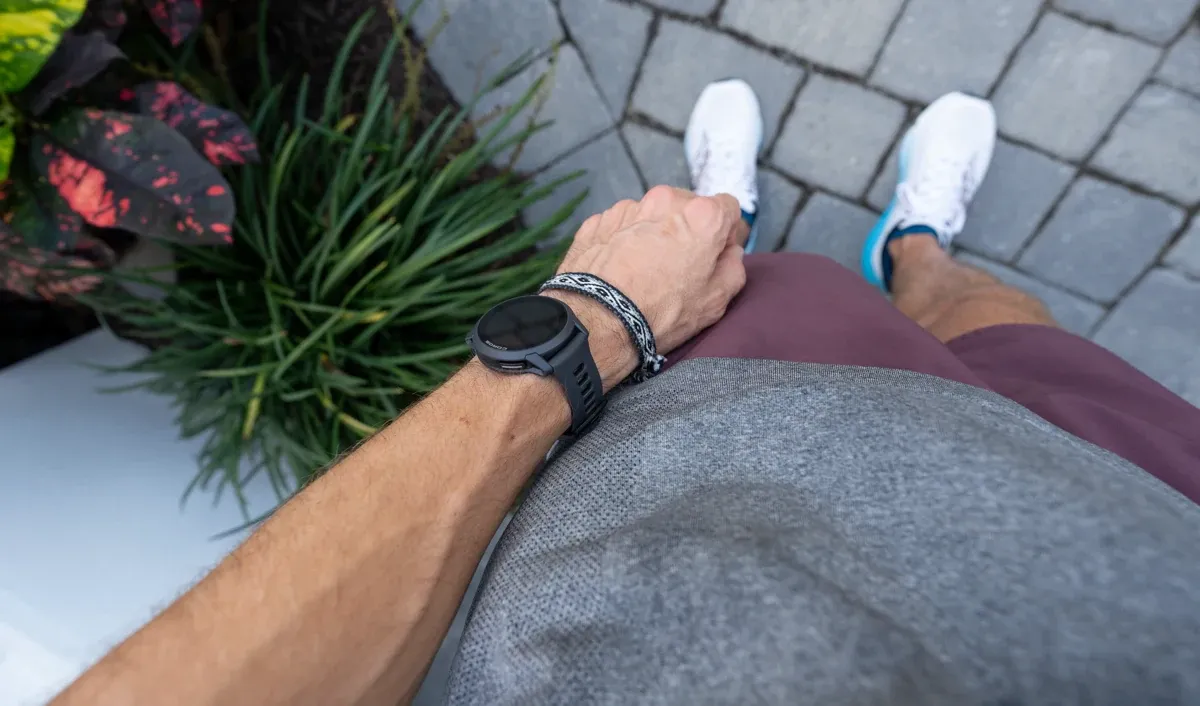
The weight is the whole story
At 32–40g and under 12mm thick, it basically vanishes on your wrist.
On long runs, hot days, or interval sessions where your arms are moving a lot, that matters more than people expect.
It’s also better-built than you might assume from the weight.
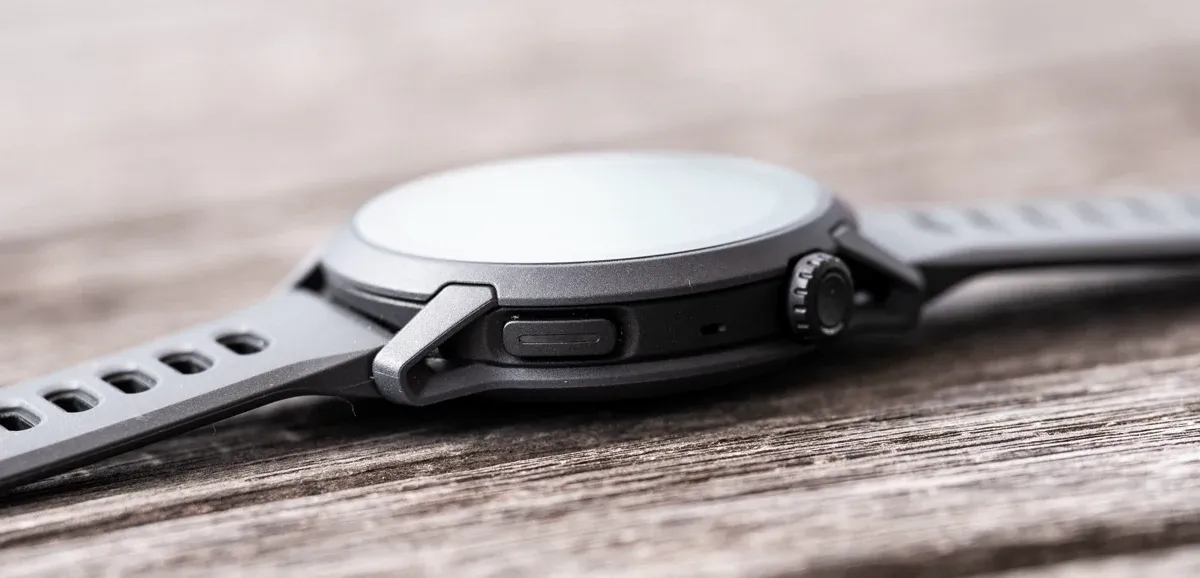
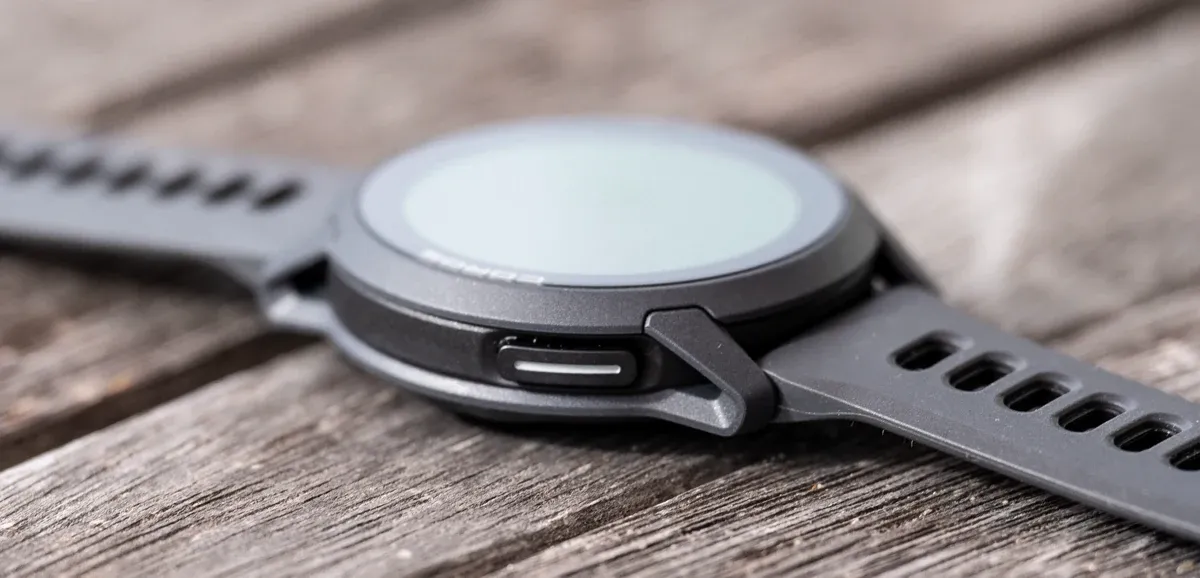
The polymer bezel doesn’t bother me here because COROS clearly made “light and comfortable” the priority.
The silicone strap is also very comfortable on the run and for all day wear. It's easy to fasten to the right amount (not too tight or too loose), and it's breathable too.
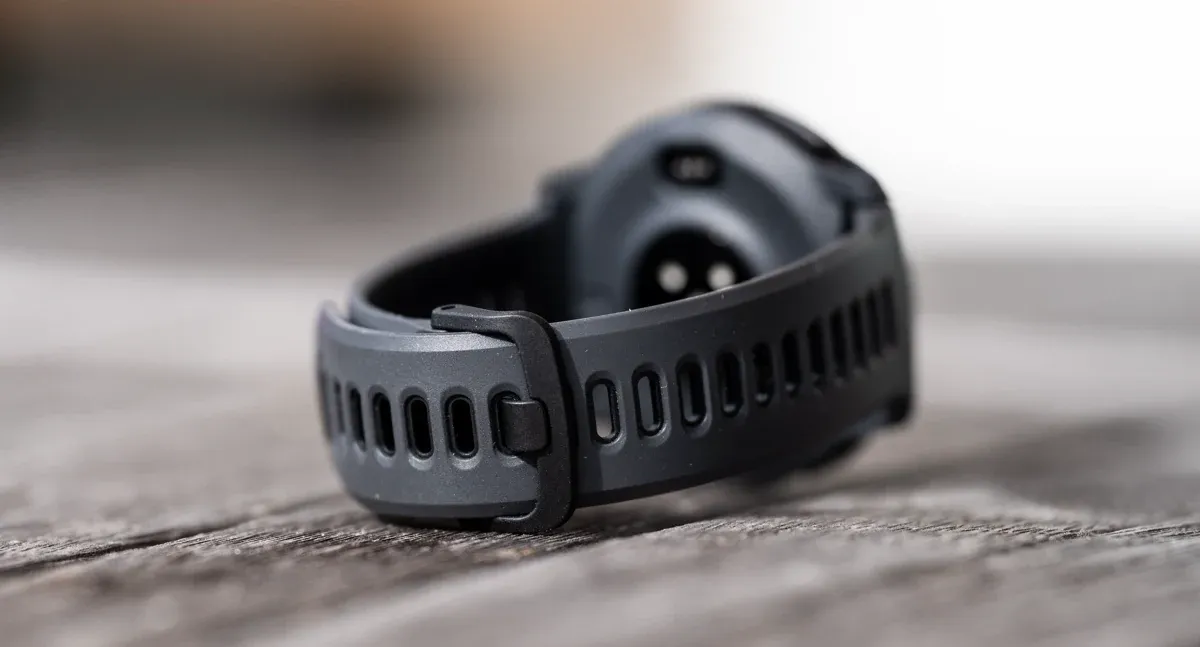
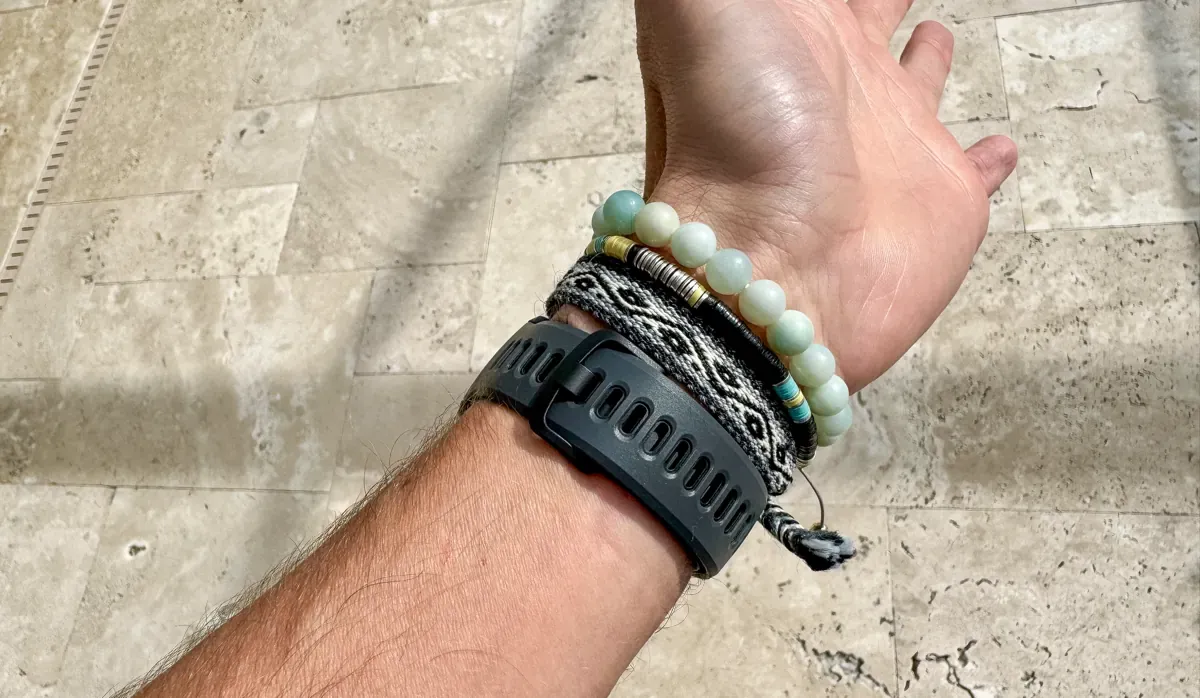
I have since switched it for a Nylon Kilian strap, and actually prefer this even more because it drops the weight of the watch, and makes getting the perfect fit even easier. You'll see me wearing it on my Youtube channel.
7 Tips For Running Longer Distances
Learn how to build stamina, properly fuel your body, and develop mental resilience to hit your long-distance running goals!
 Alastair Dixon
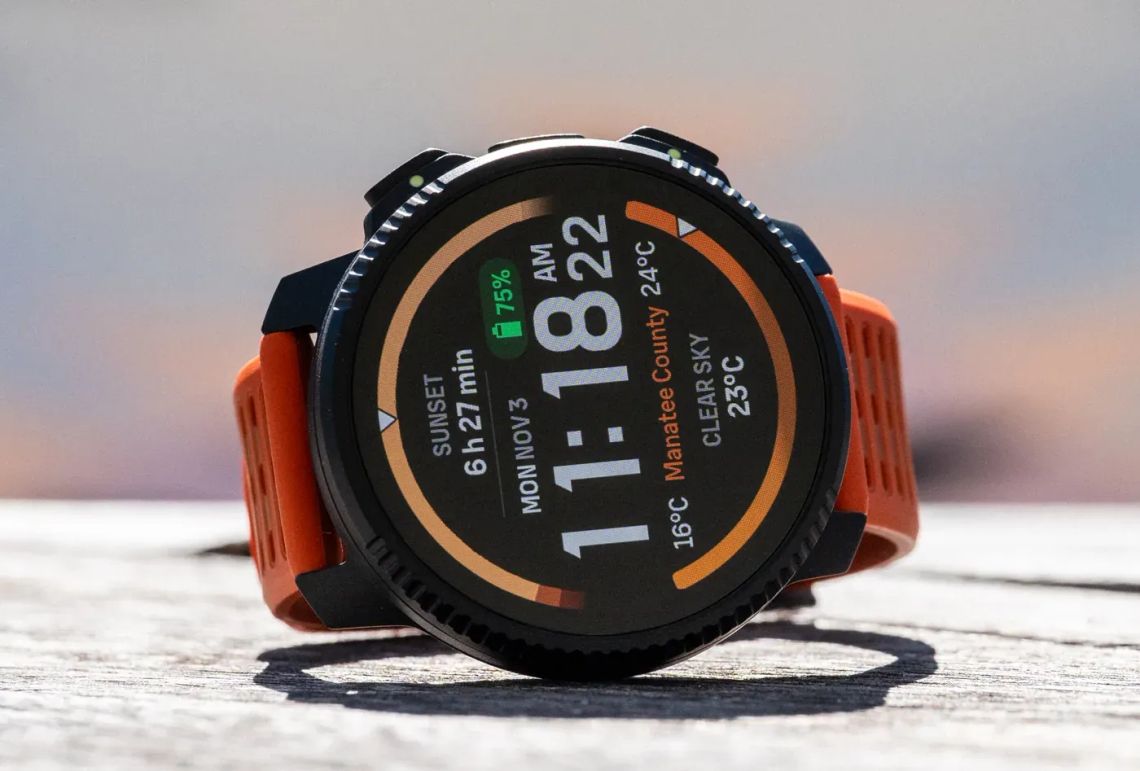
The AMOLED screen is a real upgrade
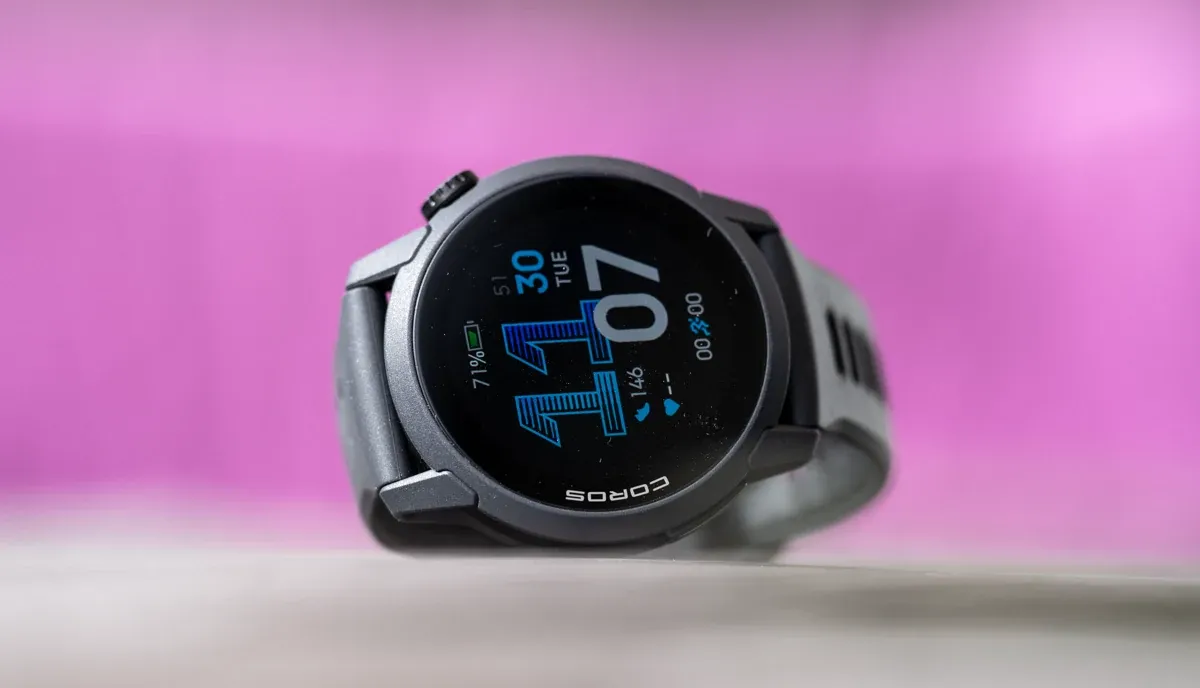
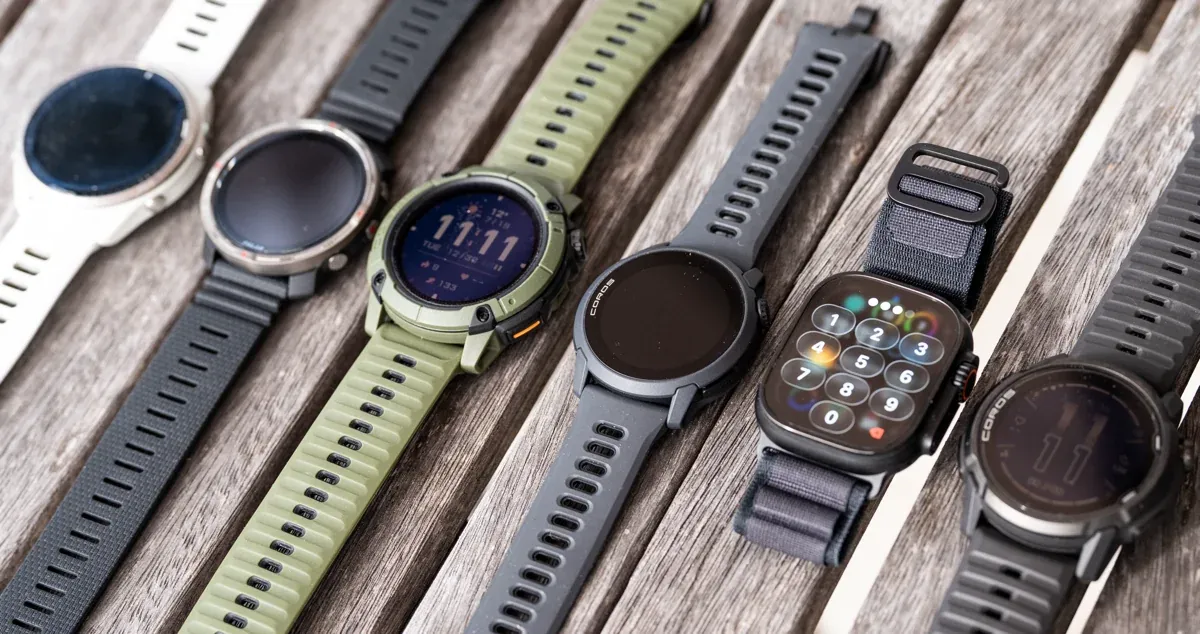
It’s sharp, easy to read quickly, and it makes data pages feel calmer. Compared to MIP displays on watches like the COROS APEX 4 (and some other COROS models including the NOMAD), the difference is obvious when you’re glancing at pace, zones, or lap splits mid-effort.
GPS and HR: dependable enough for daily use
GPS lock is quick and tracks look clean.
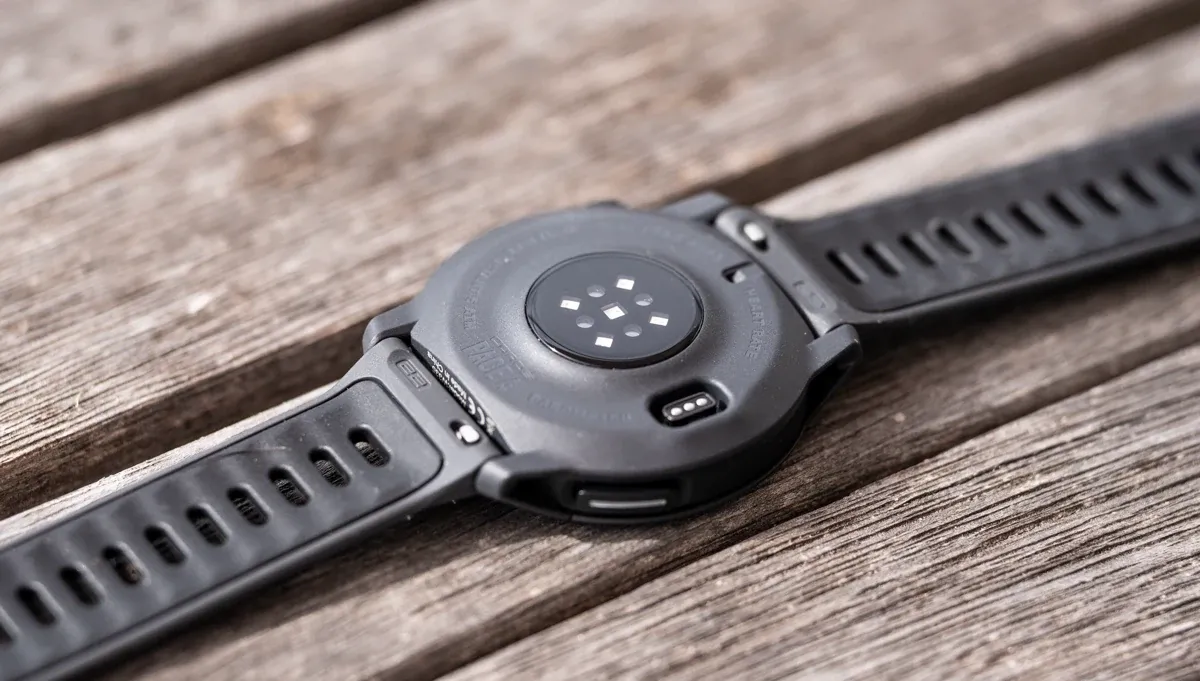
The redesigned optical sensor has been steady for most sessions, with the usual caveat: if it’s cold and I’m doing hard intervals, I’m more likely to snug the strap or use my COROS HR monitor.
For steady runs and most workouts, I don’t feel like I’m constantly second-guessing it.
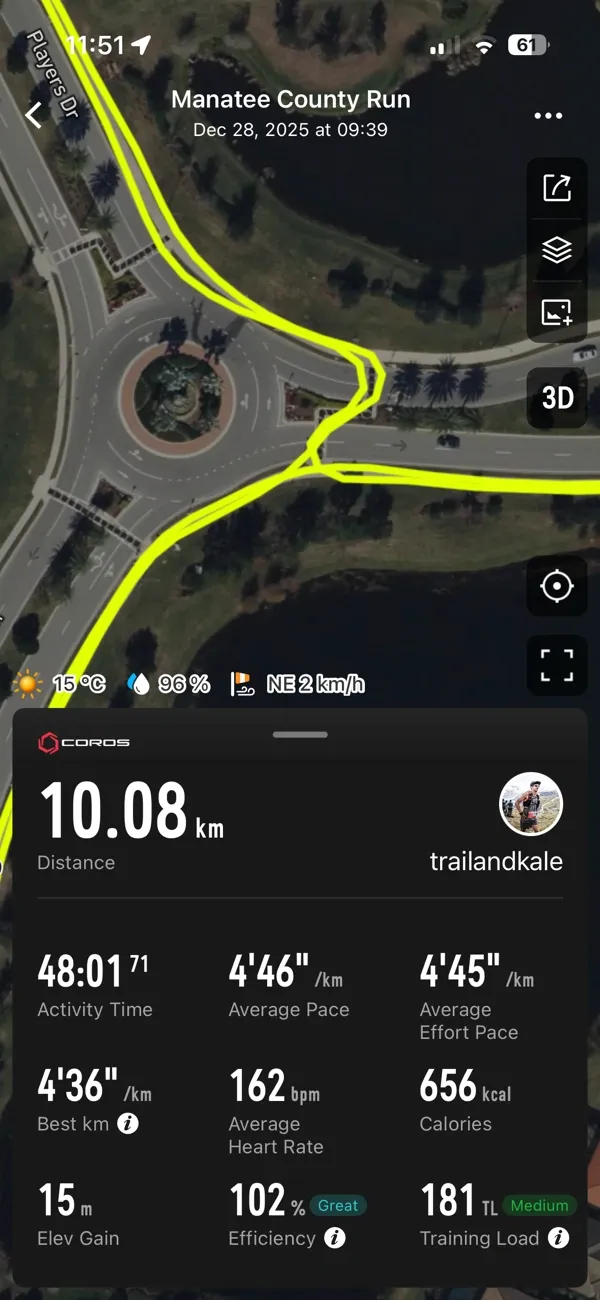
Extended battery life brings AMOLED without the anxiety
This is another area where the PACE 4 has really surprised me.
With gesture backlight and sensible settings, it’s easy to go a long time between charges even with frequent running.
I haven’t done a “drain it to zero” ultra-style test in High GPS mode, but in regular training weeks it behaves like a watch that’s built to be worn and used, not constantly topped up.
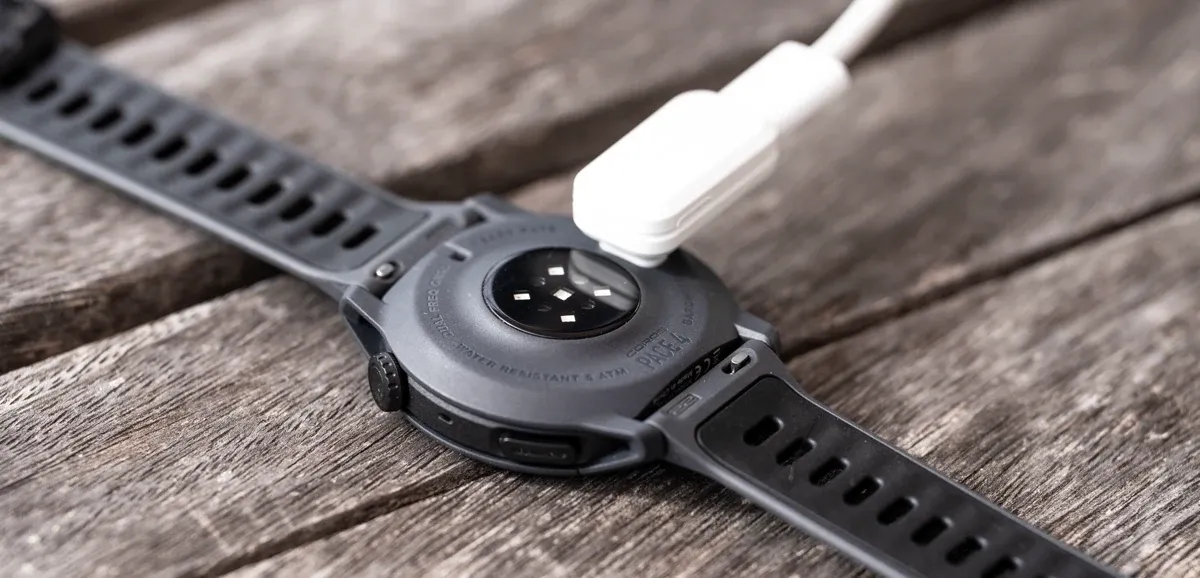
Charging to full in about 2 hours also means even when you do forget, it’s not a big drama.
Voice notes are way more useful than I expected
I didn’t think I’d care about voice pins but it turns out I use them a lot, as I did when testing the APEX 4.
I’ll drop quick notes like:
- “gel taken”
- “legs heavy here”
- “wind picked up”
- “good effort, keep it controlled”
It’s a simple way to keep training honest without fiddling with your phone, and those notes make post-run reflection and data analysis more useful, and fun.
EvoLab and Effort Pace is practical, not overwhelming
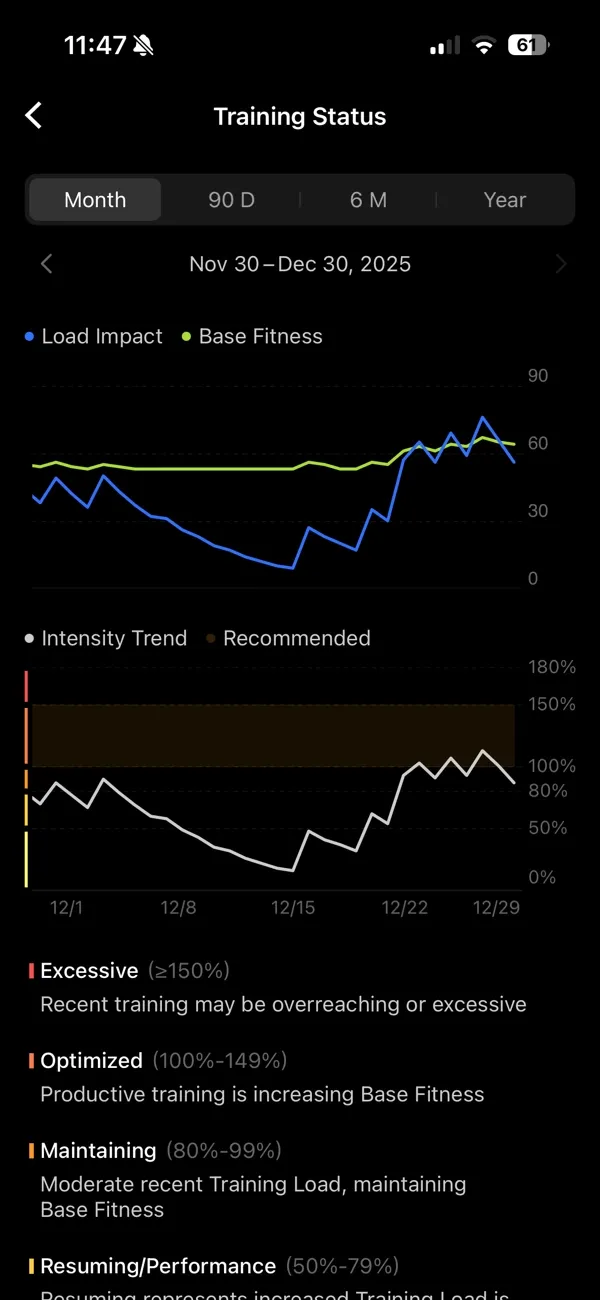
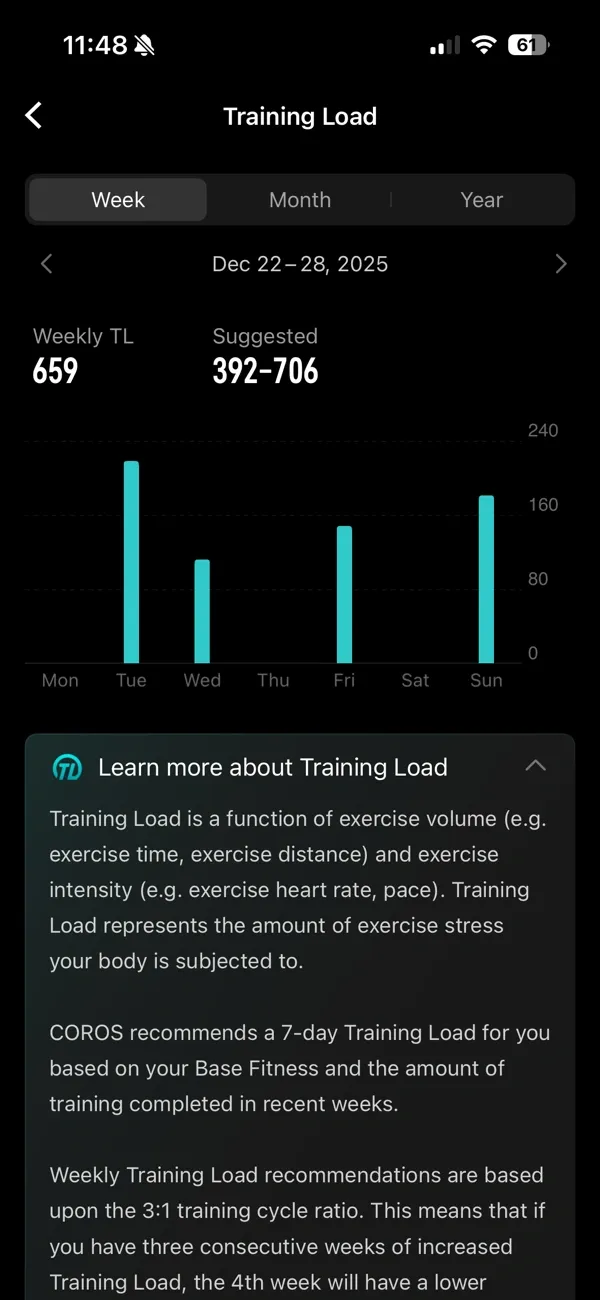
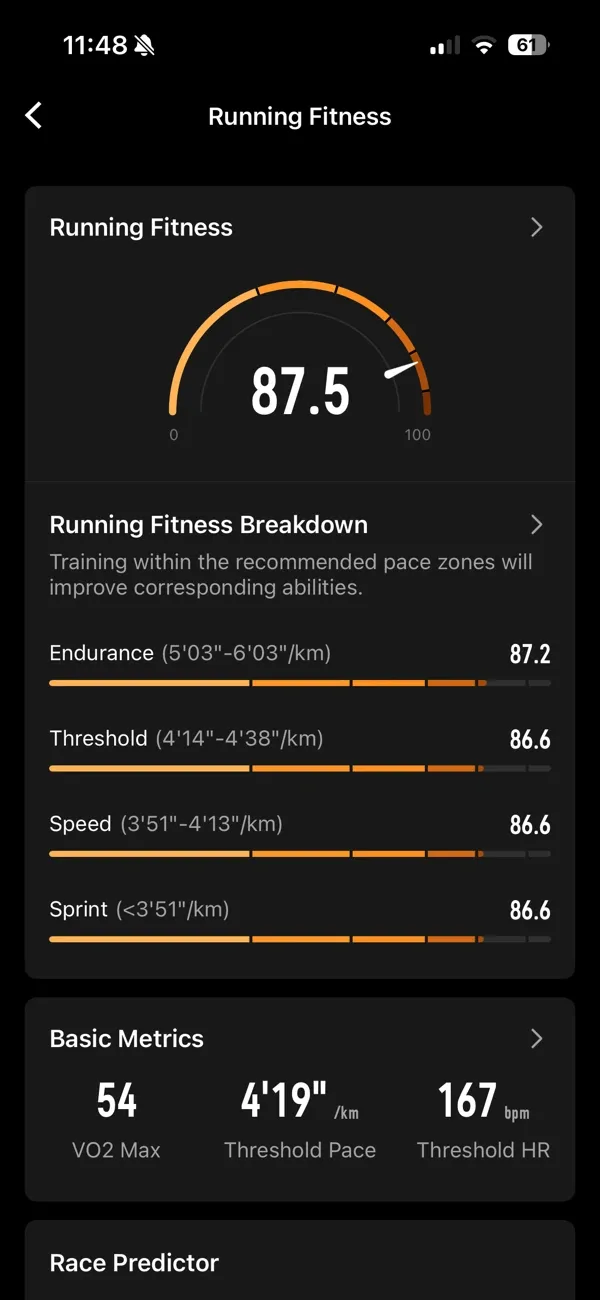
COROS does a good job of giving you training context without burying you in 50 metrics.
EvoLab and Effort Pace have been helpful for keeping easy days easy and making workouts more repeatable.
No subscription walls is also a nice part of the experience.
What it doesn’t do (so you don’t buy it for the wrong reasons)
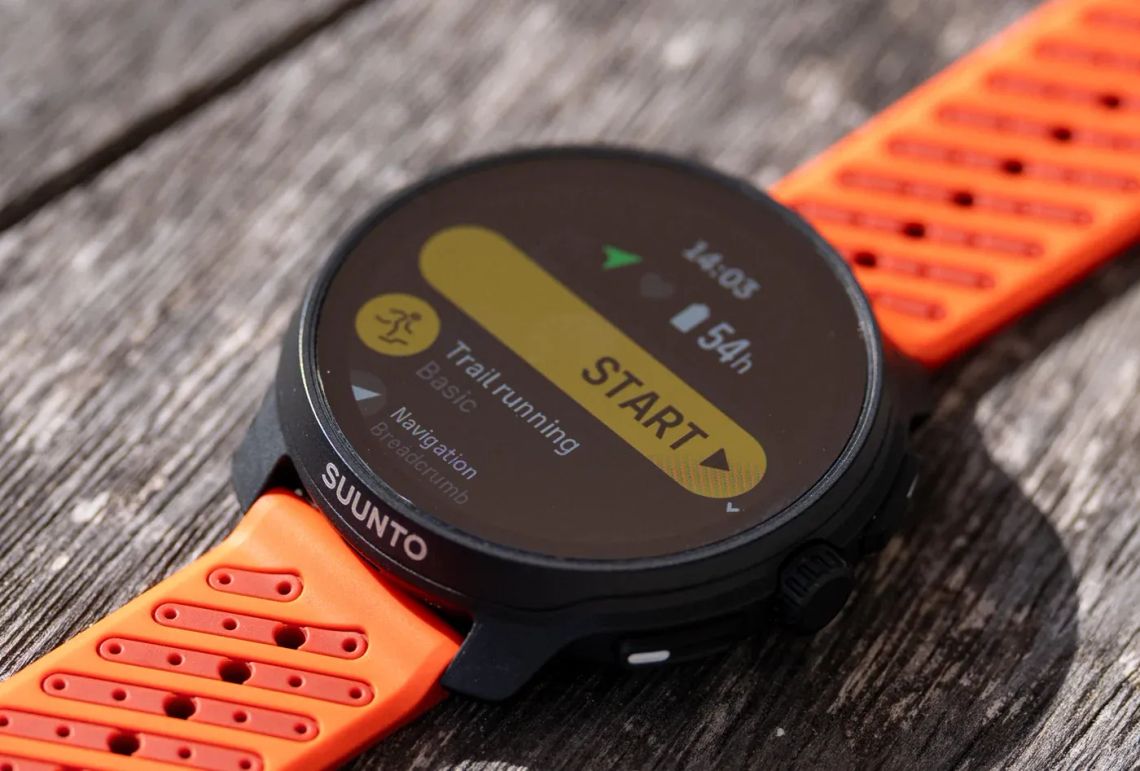
- No full offline maps: navigation is breadcrumb-style. Fine for familiar routes, not ideal for exploring new trails. If maps are a must, I’d point you toward the COROS APEX 4 (review here) - that's the watch I use for my trail running, it's more expensive but you get a lot more for it; great if you need it...
- Always-on display hits battery: not unique to COROS, just the reality.
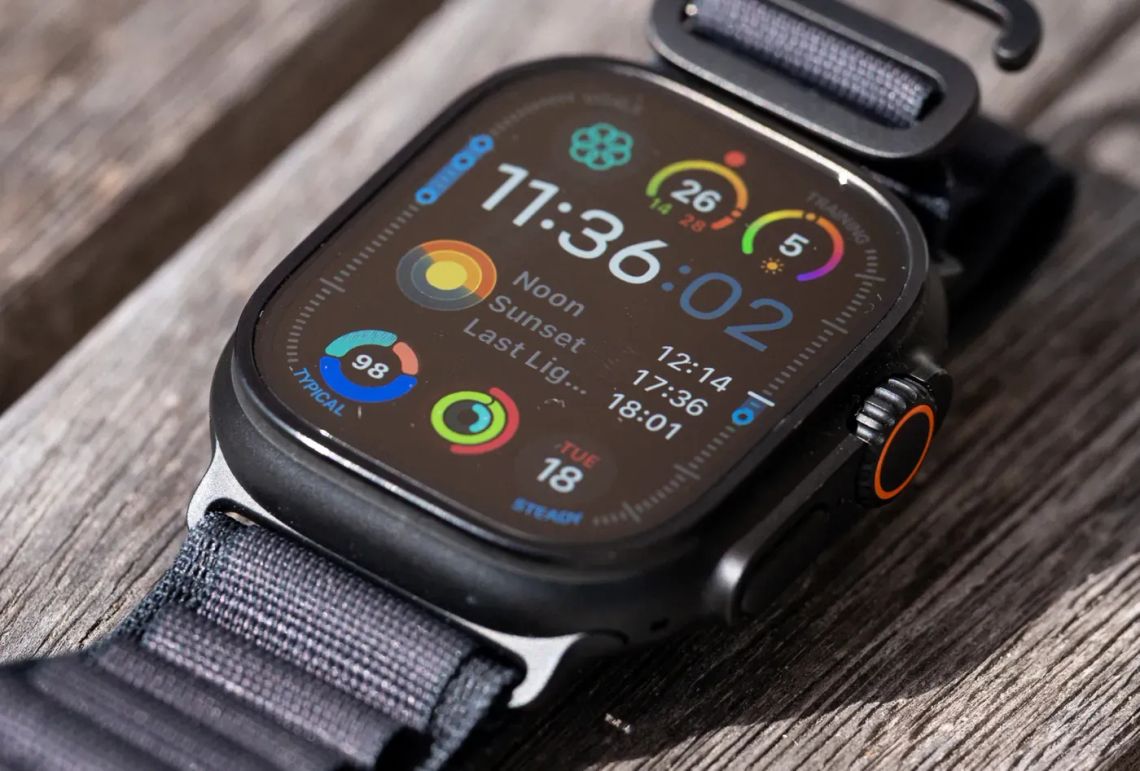
- Smartwatch features are basic: no payments, no calls, no “wrist phone” experience. If that’s what you want, the Apple Watch Ultra 3 (review here) is the better fit.
Trail Running For Beginners (Part 1) | Alastair Running
Why trail running feels so different to road running, and how to start slow, stay safe, and fall in love with running beyond the pavement.
 Alastair Dixon
Who I think the PACE 4 is for
You’ll love it if you’re:
- a road runner (or mostly road) who wants a watch that disappears on the wrist
- training consistently and want clean, easy-to-read data
- tired of charging anxiety but still want AMOLED for display clarity
- into simple tools that make effort tracking and consistency easier
My verdict
At only $249, the COROS PACE 4 has become my daily go-to for road running because it nails the stuff that keeps training frictionless, and it's incredibly well priced, offering unbeatable value for money (for the right runner).
It’s ultralight, the screen is genuinely pleasant to use, battery life is strong for an AMOLED watch of this size, and COROS’ training tools stay practical and at the leading edge of the running watch space.
If you want a dedicated running watch that encourages consistency without feeling like another device you have to manage, it’s a very easy one to live and train with.
If you’ve tried the COROS PACE 4 (or another COROS watch), tell me how you’re finding it. I always like hearing what holds up after the honeymoon miles.
Written by

Subscribe to new posts
reviews, training tips, and thoughtful stories for runners






Member discussion